
How To Integrate Landing Cube with the TikTok Pixel
Integrating LandingCube with the TikTokPixel
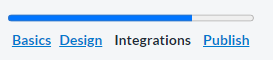
LandingCube comes with a 1-click TikTok Pixel integration built-in. Tracking is campaign specific in case you need to use different accounts for different products. You can set up tracking on the “Integrations” page of your campaign builder.
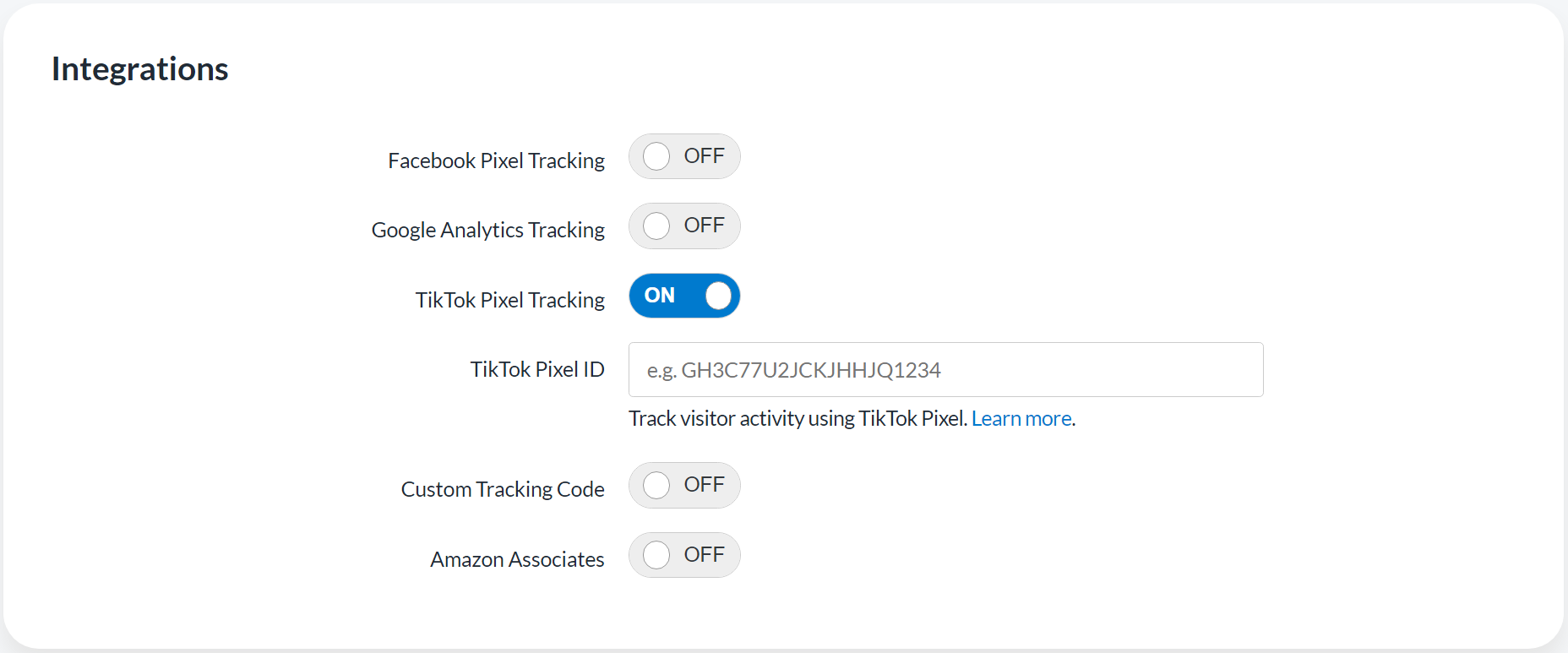
What is my TikTok Pixel ID?
First, make sure you’ve already created a TikTok Pixel. If you haven’t, follow the instructions here.
If you’ve already set up a pixel, follow these instructions:
- Navigate to this URL and select your required Ads Manager account.
- Your TikTok Pixel ID is found by going to Tools in the top navigation bar and clicking Events and then selecting Web Events.

Followed by -

- Then located on the left-hand side of this screen. Copy this ID into LandingCube using the guide above.

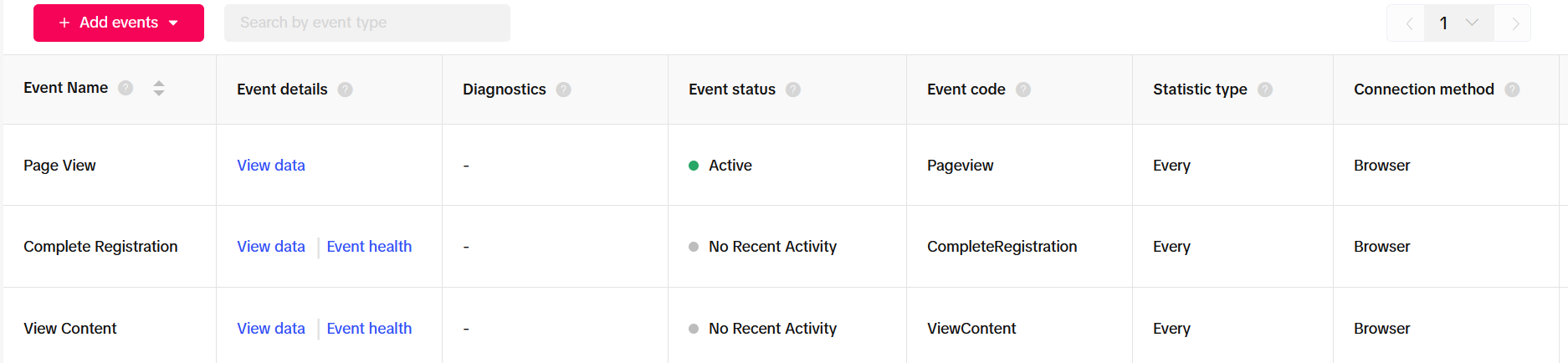
Landing Cube will track the following events:
- Page View - When someone lands on your landing page.
- View Content - When someone gets redirected to your Amazon listing page.
- Complete Registration - When someone opts in with their email.
Problems, or questions? Please feel free to contact our support Here.